Documentation
Rankings
Open
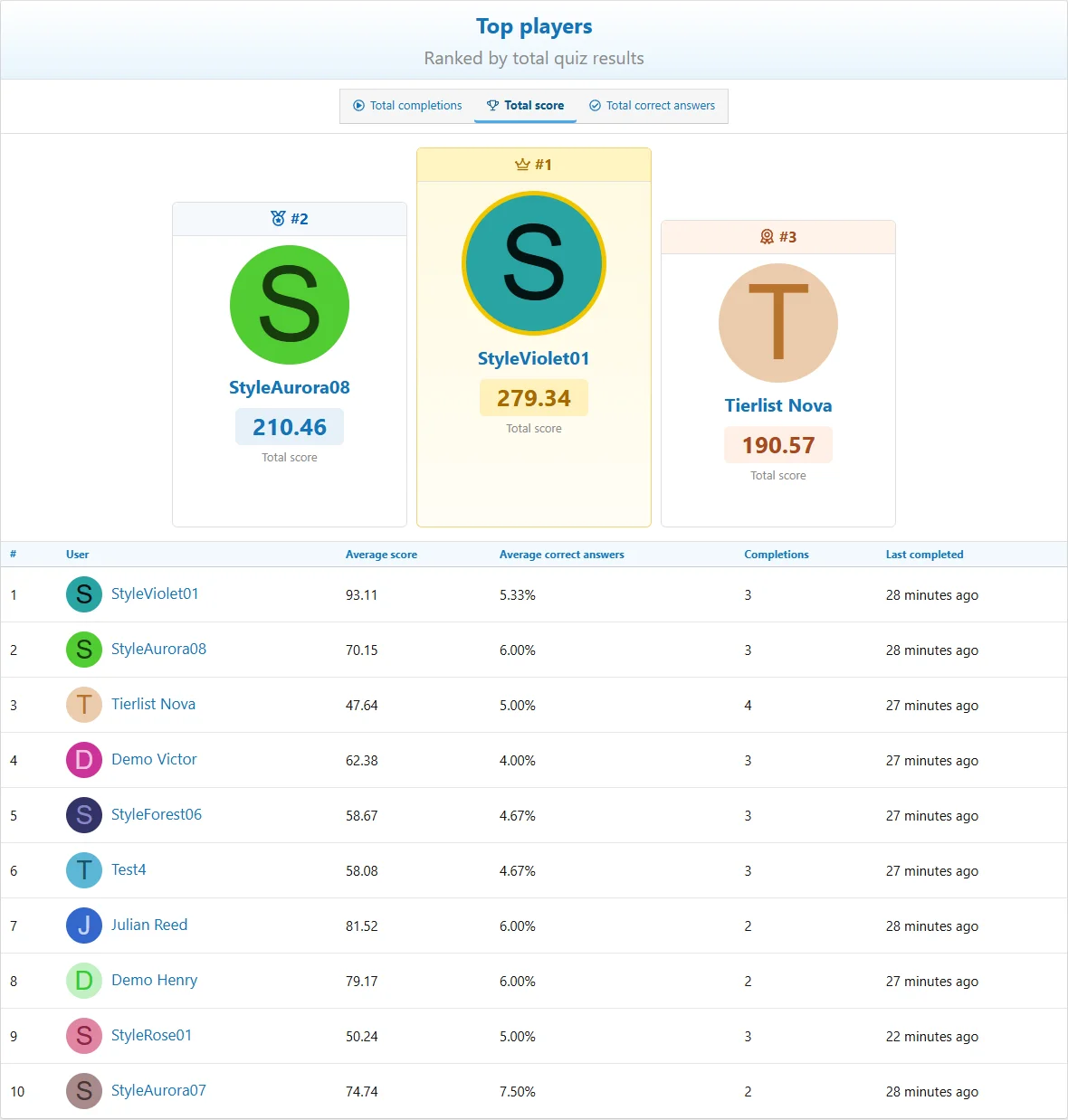
Quizzes > Leaderboard and choose the available ranking and period. Rankings include completion count, total score, correct answers, average score and average correct answers. Quiz pages also offer result rankings such as best and quickest results.
Leaderboard visibility is permission-controlled. Category participation and quiz score inclusion affect eligibility. Quickest-result blocks can be restricted to fully answered attempts.
Choose the ranking that matches the activity rather than comparing unlike metrics.
History
The site can save weekly or monthly leaderboard snapshots. Changing the history period affects future snapshots; it does not rewrite existing history. Check scheduled tasks when expected history is absent.
Widgets
Create widgets through XenForo's widget manager. Quiz definitions include statistics, new quizzes, ongoing quizzes, category progress and leaderboard results. Featured and trending content can also display supported quiz content through XenForo's corresponding systems.
Select an appropriate position and configure each widget's limits, category filters, period and display options where offered. A widget does not grant access to otherwise restricted content.

![[XB] Quizzes: Knowledge Tests & Community Engagement](/data/resource_icons/0/172.jpg?1733558394)