Quiz types ·
Documentation
Use a scored knowledge test with correct and incorrect answers.
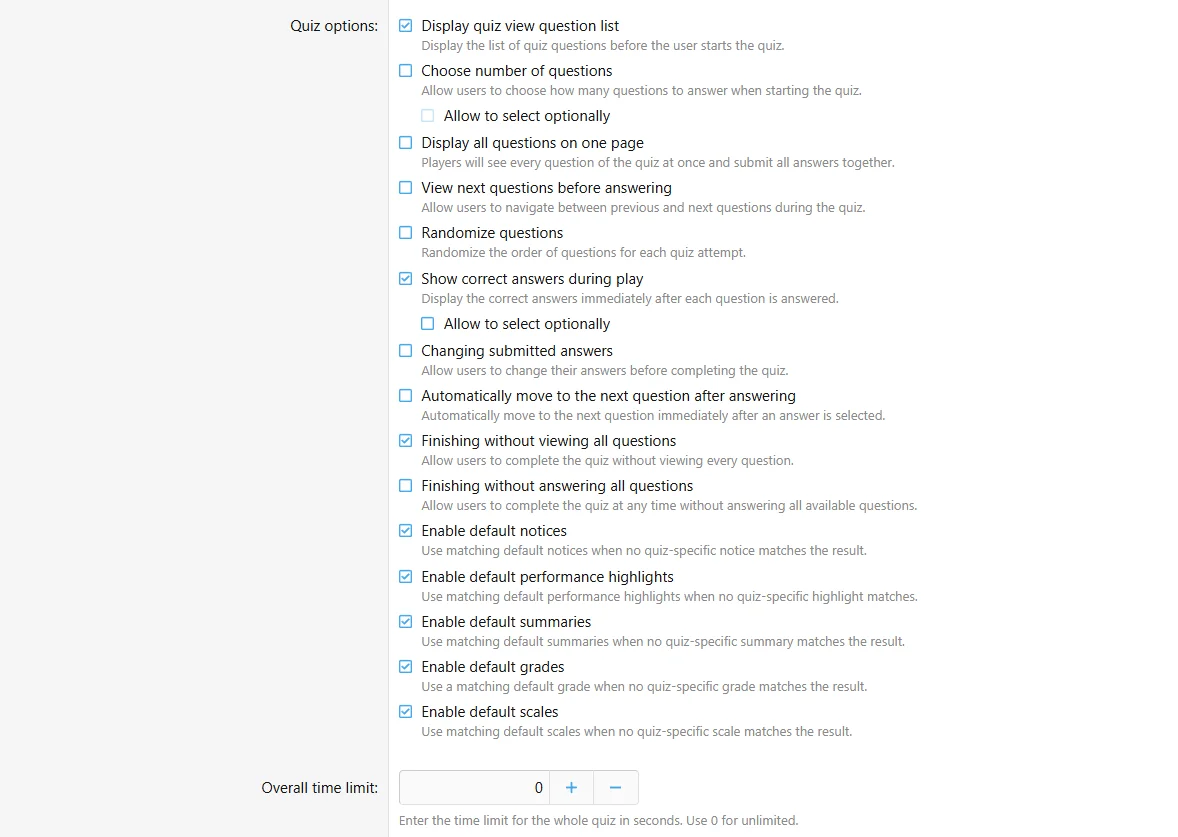
Configure
- Choose Quiz when creating content.
- Configure the shared quiz settings.
- Add compatible questions and explanations.
- Complete an attempt and check the scoring and feedback.
Fields
| Field | Purpose |
|---|
| Play mode | Separate question pages or all questions on one page |
| Question order | Fixed or randomized, optionally chosen by the participant |
| Answer behavior | Correct-answer revelation, changes and automatic navigation |
| Result defaults | Enable the required fallback feedback types |
Configure the standard quiz fields in the authoring form.
Behavior and limits
Word builder and Music questions can be used alongside ordinary choice, text and ordering questions. Availability depends on enabled question definitions. Correct-answer and explanation visibility require their own permissions.
Example
A five-question geography round awards 1 point per correct response, allows repeats and shows explanations after answering.

![[XB] Quizzes: Knowledge Tests & Community Engagement](/data/resource_icons/0/172.jpg?1733558394)