Block reference
Use Content for an article, welcome message, rules section or custom HTML fragment.
Configure
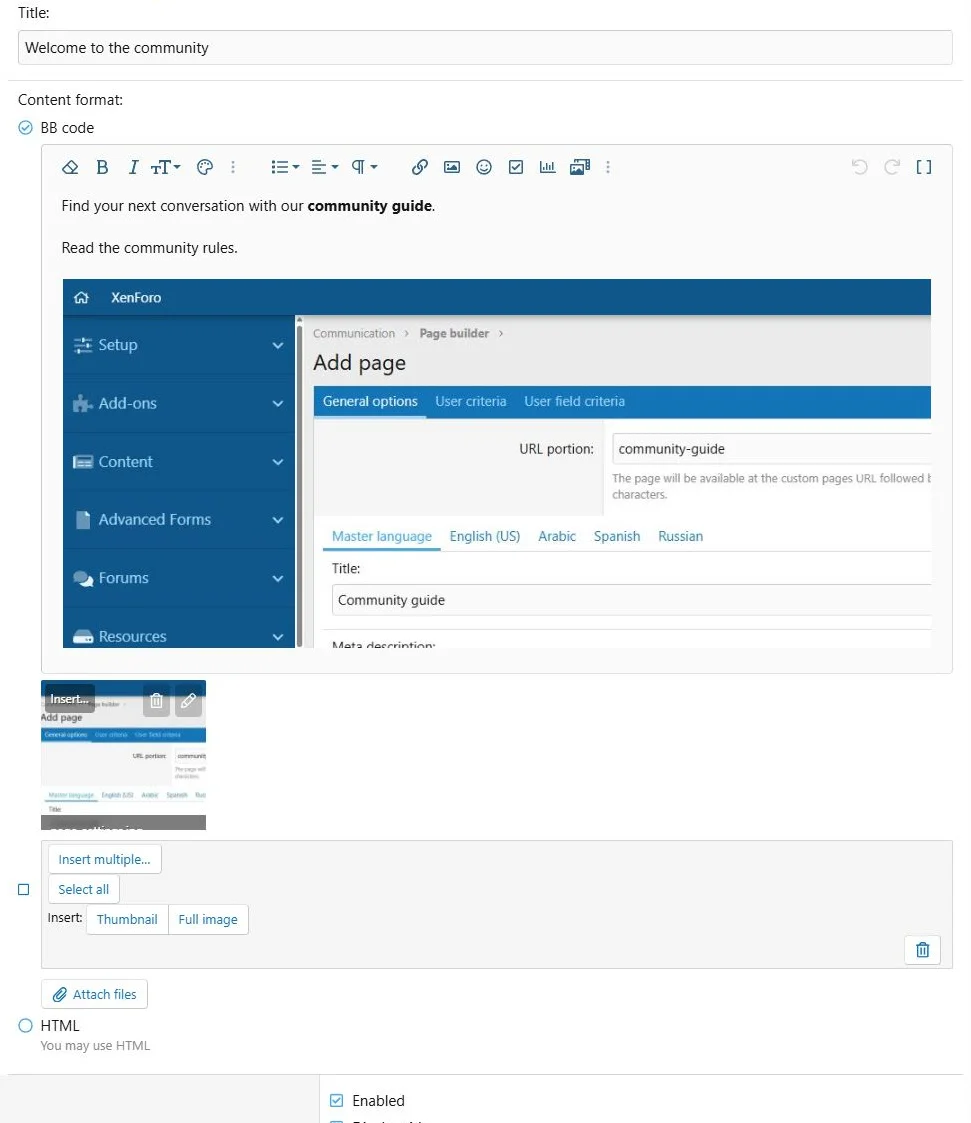
- Choose Add block > Content.
- Enter a title.
- Select BB code or HTML for the current language.
- Enter the body and save.
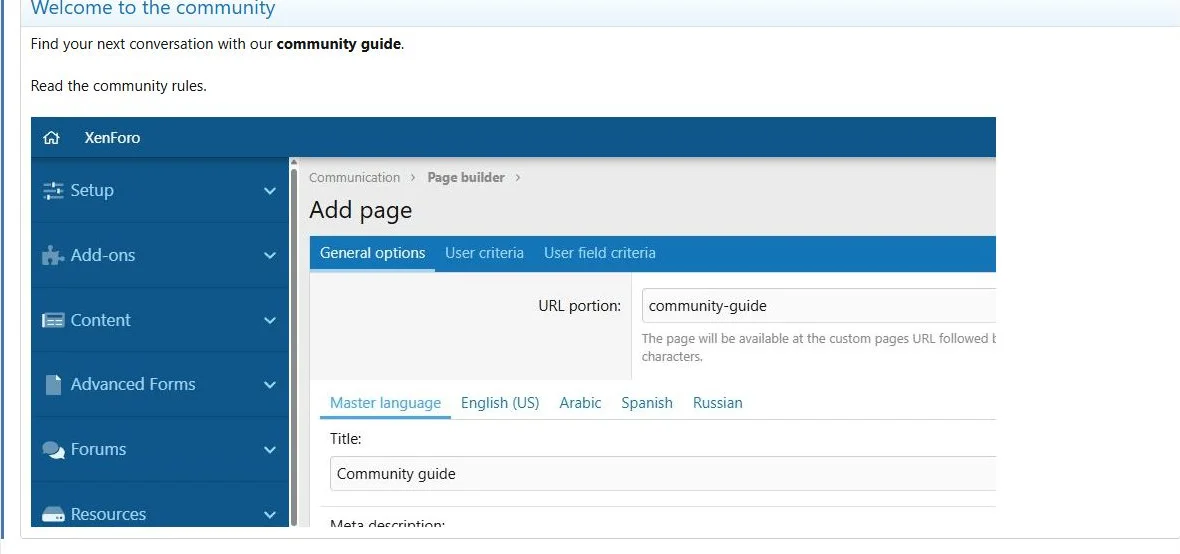
- Open the public page and check formatting and links.
Fields
| Field | Use |
|---|
| Title | Optional heading, controlled by Display title |
| BB code | XenForo editor content, including supported attachments and embedded images |
| HTML | Raw HTML entered in the code editor |
| Wrap in block container | Standard forum-style content container |
In BB code mode, upload files through the attachment controls and insert images where needed. The editor can also render XenForo-supported embedded content and link previews.
HTML mode outputs the markup you provide. It is not a XenForo template editor. Use valid HTML and check your own responsive markup.
Content supports the XenForo editor and a separate HTML editing mode.
Translations and layout
Translate the title and body in the language tabs. Missing fields use master content. Attachments belong to their language content.
Use a 12/12 column for longer text. In a narrower column, check long URLs, embedded media and any custom HTML.
Transfer and example
Use ZIP to transfer uploads. XML does not include files. A practical first block is a welcome paragraph followed by links to your introduction forum and community rules.
A Content block combines rich text, links and an embedded image.

![[XB] Page Builder: Visual Constructor for Custom & Landing Page](/data/resource_icons/0/398.jpg?1792180696)