Quiz types ·
Documentation
Use weighted responses and result feedback for profiles, surveys and self-assessment.
Configure
- Select Assessment.
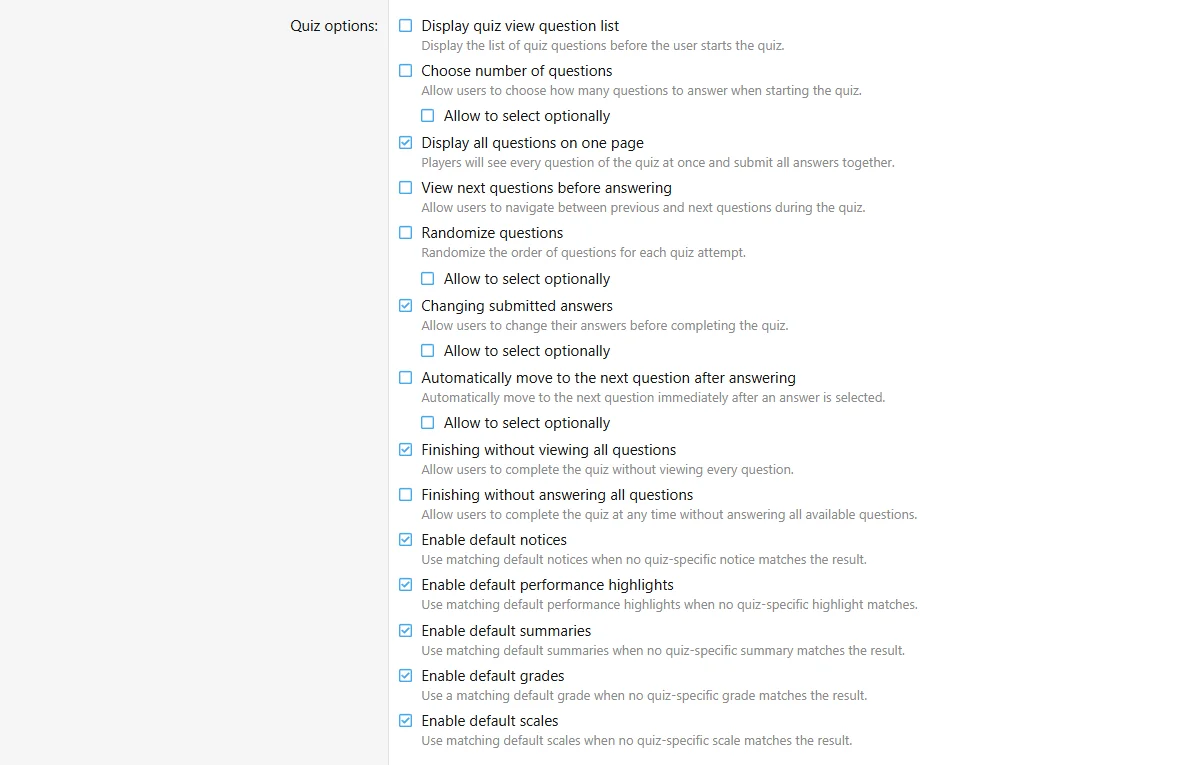
- Configure shared play and availability settings.
- Add supported questions and set choice weights where offered.
- Add score-based or answer-based outcome feedback.
- Test every intended outcome.
Fields
| Field | Purpose |
|---|
| Choice weights | Contribute different values to the outcome score |
| Play mode | Sequential or single-page where configured |
| Feedback | Classify or explain the result |
| Include in score | Decide whether this activity contributes to aggregate score |
Configure the assessment fields in the authoring form.
Behavior and limits
Responses are not presented as right or wrong. Correct-answer revelation is disabled. Word builder and Music question handlers are not available for Assessment. Use the types offered by its question chooser.
Example
A learning-preferences assessment uses weighted choices and a Summary for each score band.

![[XB] Quizzes: Knowledge Tests & Community Engagement](/data/resource_icons/0/172.jpg?1733558394)