Block reference
Use Featured resources to present featured entries from XenForo Resource Manager.
Requirement
Resource Manager is optional for Page Builder as a whole, but it must be installed and active for this block type.
Configure
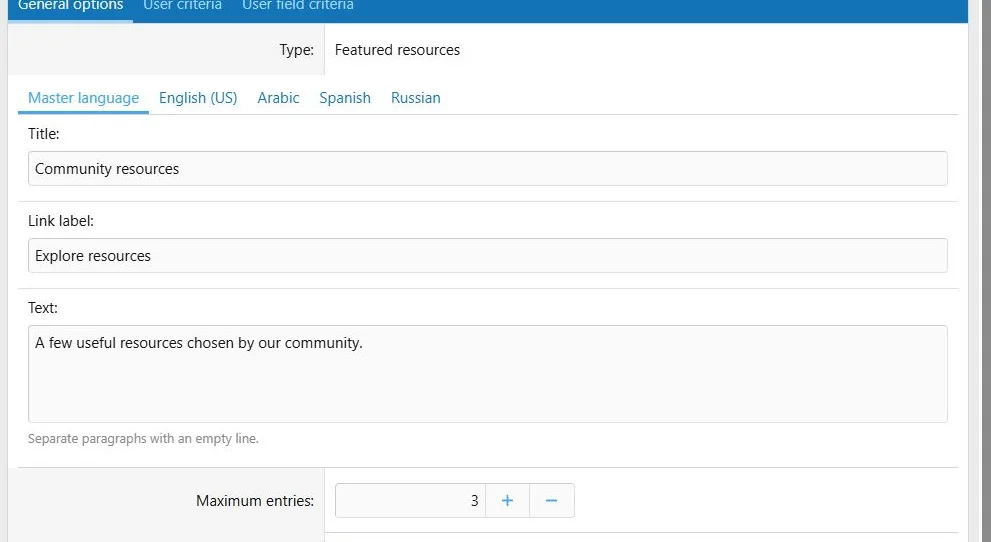
- Choose Add block > Featured resources.
- Enter optional introductory text and a heading.
- Fill the resource link label as needed.
- Set Maximum entries between 1 and 20.
- Save.
Mark the intended entries as featured through Resource Manager. The block is not an arbitrary manually selected resource list.
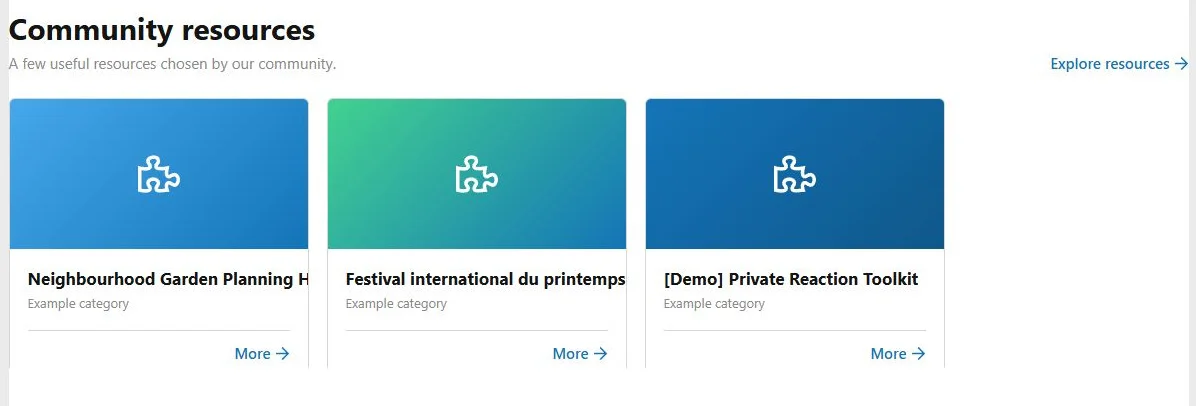
Featured resources uses Resource Manager content and a configurable entry limit.
Visibility
Only eligible featured resources that the visitor can view are displayed. Resources from ignored authors are excluded. Fewer than the maximum may appear.
The block returns no output when there are no eligible resources. Check featured status, category permissions and the visitor's Resource Manager access when a section is missing.
Resource content is dynamic and excluded from the page's static search text.
Translations, layout and transfers
Translate the block's supporting text. Resource titles and descriptions remain Resource Manager content.
Cards respond to the available width. Resource width, gaps, image area and typography can be adjusted through Page Builder style properties.
Exports transfer the block settings, not the Resource Manager installation or its entries. Review the result after importing on another site.
Featured resource cards reuse entries already managed in Resource Manager.

![[XB] Page Builder: Visual Constructor for Custom & Landing Page](/data/resource_icons/0/398.jpg?1792180696)