Block reference
Use Illustration for built-in decorative artwork beside a CTA or guide introduction. It does not display live dashboard data.
Configure
- Choose Add block > Illustration.
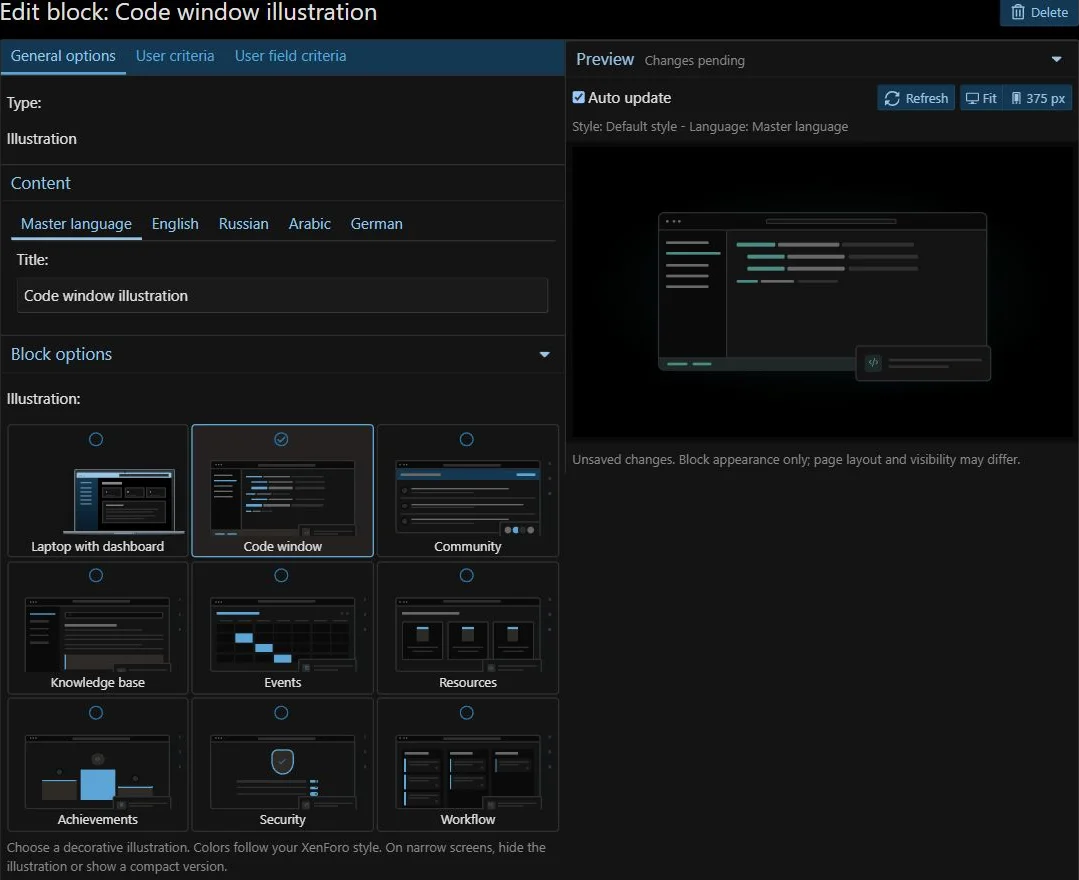
- Choose Dashboard, Code window, Community, Knowledge base, Events, Resources, Achievements, Security or Workflow.
- Under Composition, set size, proportions, framing and optional mirroring.
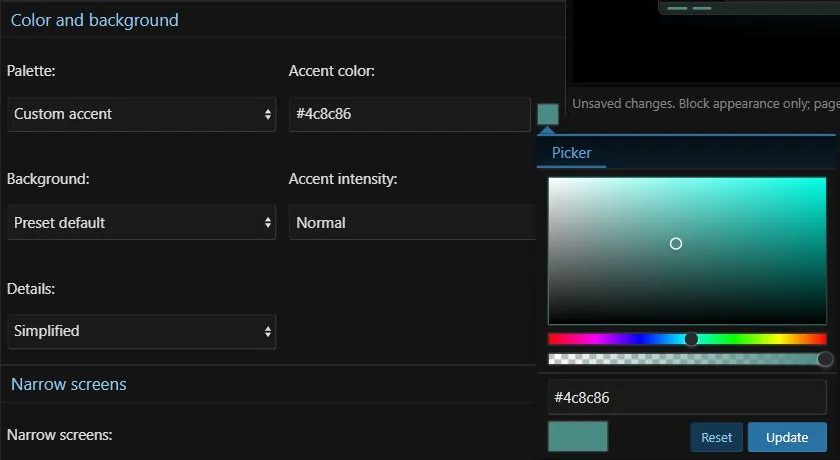
- Under Color and background, choose style colors, monochrome or a custom accent using the standard XenForo color picker. Set the background, accent intensity and detail level.
- Set narrow-screen behavior to Hide or Compact.
- Expand Advanced artwork settings to control the floating card and artwork shadow.
- Inspect the live ACP preview and save. On wide screens it stays beside the settings; on smaller screens it appears below them.
| Field | Behavior |
|---|
| Palette | From style, Monochrome or Custom accent. The standard XenForo color picker supports hexadecimal, RGB and HSL colors, including transparency. |
| Details | Normal or Simplified; simplified artwork hides secondary decorative elements. |
| Floating card | Auto keeps the preset composition, Show adds a card, and Hide removes cards and the Community avatar decoration. Auto cards are hidden in compact mode. |
| Artwork shadow | Auto keeps the preset shadow; None, Soft and Strong affect the artwork independently of the container. |
| Reset illustration | Restores all artwork options, including the preset and narrow-screen behavior, without resetting the container, title or access settings. |
Custom accents, backgrounds and detail levels can be adjusted independently of the block container.
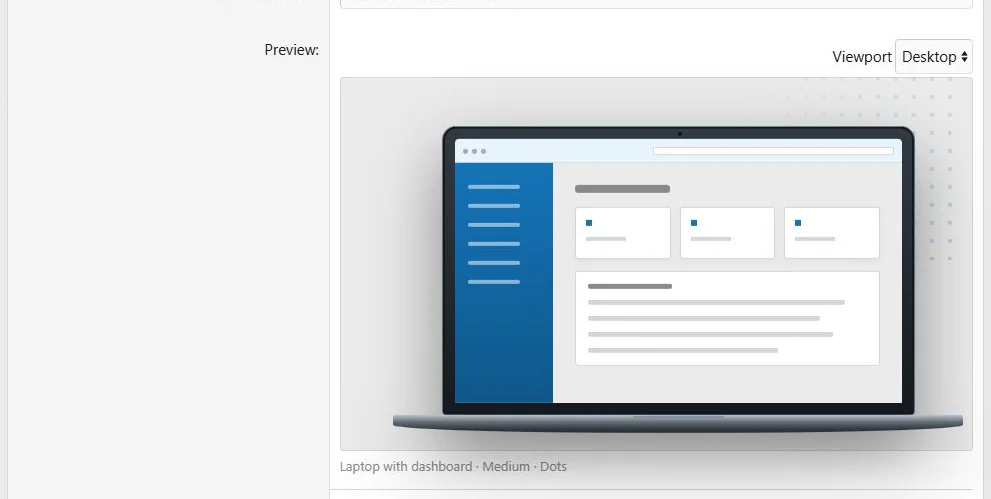
Illustration presets provide decorative artwork without an upload.
Live preview of the selected illustration.
Presentation
Knowledge base depicts a guide and search panel; Events shows a calendar; Resources shows downloadable files; Achievements shows a podium and award; Security shows a shield and settings; Workflow shows a three-column task board. These compositions are decorative and do not display live content, rankings or security status.
All nine presets support the same presentation controls. Custom accents also color the Dashboard details and background. Clean framing removes background decoration, including Dashboard dots. Artwork contains no embedded text that needs translation.
Custom accents are stored with the block and remain the same across styles; other surfaces follow the active XenForo style. An invalid custom color falls back to style colors. Old blocks retain their default palette and detail level. Copying, global blocks and XML transfers preserve the artwork settings.
The options are shared across languages. Preset artwork is decorative rather than a substitute for translated explanatory content.
Hide removes the illustration on narrow screens. Compact keeps a smaller, simplified version; an explicitly shown floating card remains visible. Review it next to the actual text rather than choosing size from the preview alone.
Example
Place a Community illustration beside a welcome CTA in a two-column Hero row. Use Compact if the artwork should remain on phones.
Decorative illustrations can complement an introduction on desktop and phones.
The same content at a phone viewport width of 390 pixels.



![[XB] Page Builder: Visual Constructor for Custom & Landing Page](/data/resource_icons/0/398.jpg?1792180696)